
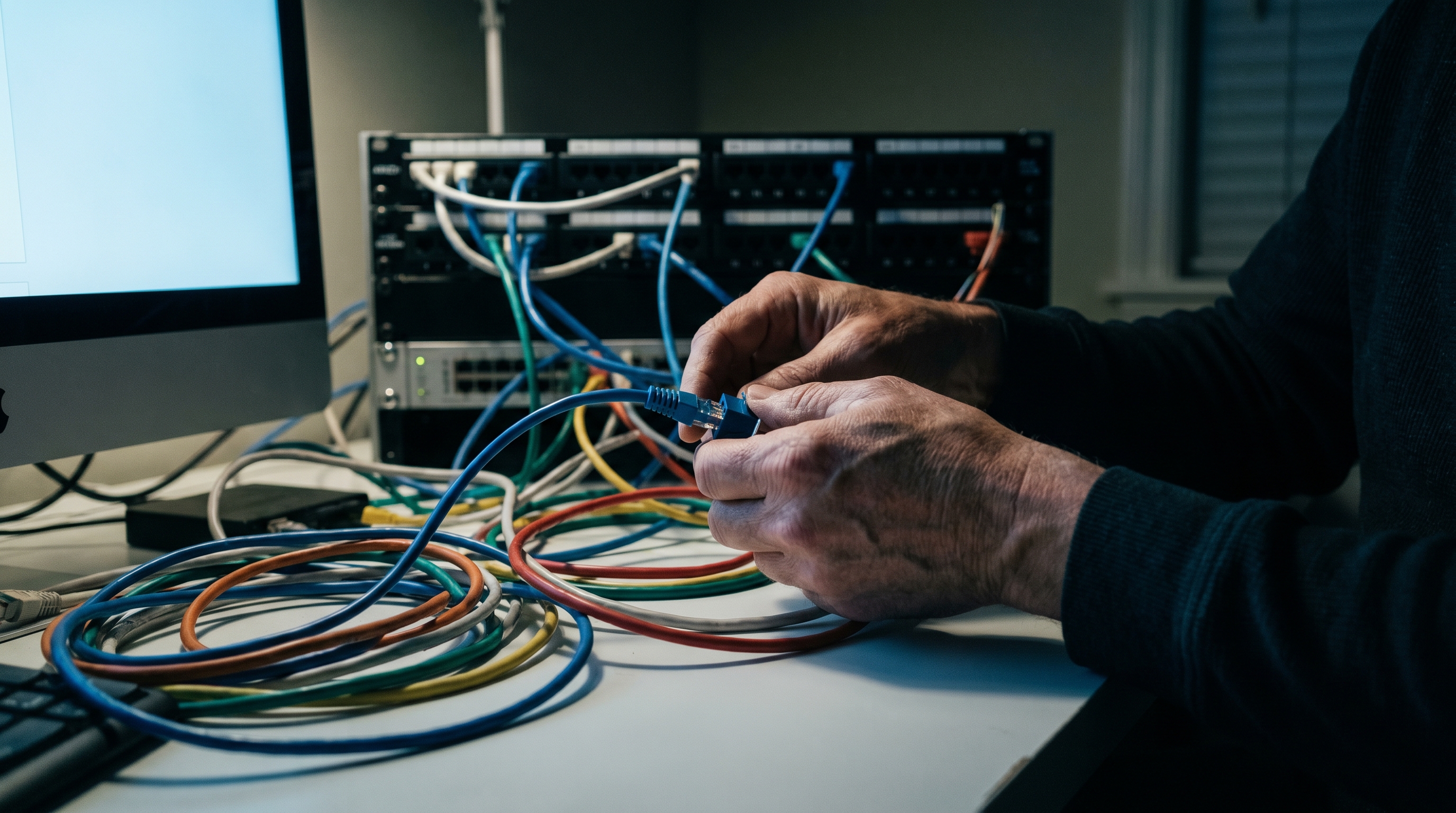
A dropped video call is easy to blame on the ISP. A slow file transfer gets blamed on Wi-Fi. But a surprising number of home network headaches trace back to something smaller and more fixable: a modular connector that was crimped by hand, by feel, with a tool that let go before the job was done. The cable looks fine. The connector clicks in. The problem is invisible until it isn't.
This is the quiet failure mode of DIY network work. Not the big mistakes, the obvious ones, but the marginal ones. A partial crimp seats most of the pins, just not all of them. Resistance creeps up. Speed drops. The connection becomes intermittent in a way that's nearly impossible to diagnose without a cable tester, and most people don't own a cable tester.
Why the tool matters more than the technique
Ethernet connectors are small, unforgiving, and made to be crimped exactly once. The geometry of a CAT5e or CAT6 RJ45 requires even lateral pressure across all eight pins simultaneously. Do it unevenly, which is what happens when you're working one-handed in a tight space with a cheap tool, and some pins bite the conductor fully while others don't quite make contact. The connection passes a basic plug-in test and fails six months later when it's the last thing you'd think to check.
The ratchet mechanism is what separates a professional-grade crimper from everything else in that junk drawer. A ratcheting crimper won't release until the head has completed its full travel. The connector is either crimped correctly or the tool hasn't finished. There's no in-between, no "good enough," no finding out later.
Klein Tools has been building professional hand tools since 1857, which is a long time to learn what breaks and why. The tool in question handles CAT3, CAT5e, and CAT6 ethernet alongside flat-satin voice cable, covers every cable job that comes up in a home network or home office run without needing a second tool for anything. The direct lateral crimp action presses across all pins at once. A quick-reference wiring diagram is printed directly on the body, which sounds like a minor detail until you're halfway through a wall run trying to remember the T568B color order.
The version we settled on for the shop is the Klein Tools Modular Crimper. Compact enough to live in a laptop bag or a small toolbox, balanced well enough to use for a long session without your hand giving out. Single-hand operation means the other hand is free to hold the connector in place, which is how the work actually gets done.
For someone setting up a home office properly, wiring a patch panel, or just refusing to pay a contractor to run a single ethernet drop, this is the tool that closes the loop. It's also the kind of thing you don't realize you've been missing until you use it once and understand why every partial crimp you've ever done was a gamble.
Worth handing over.